


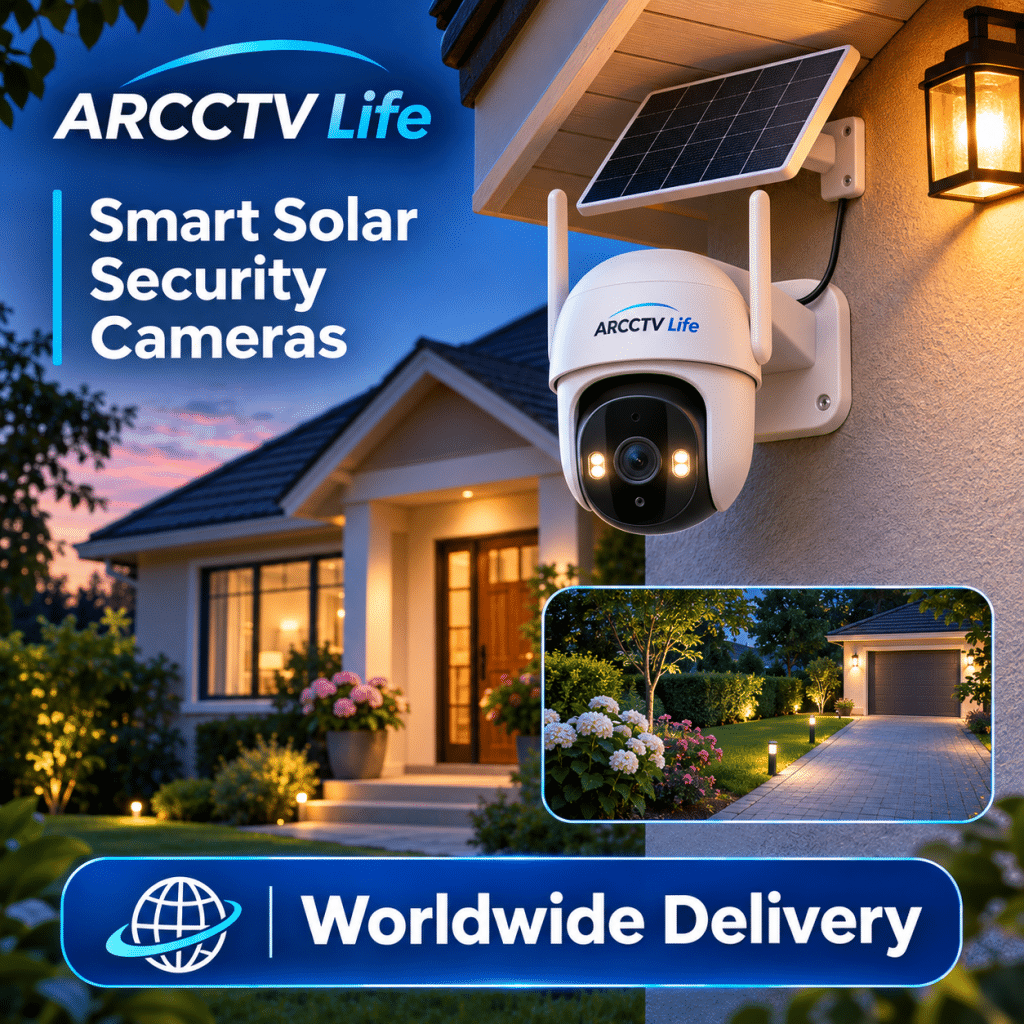
Outdoor monitoring can be awkward when a camera has a narrow fixed view or needs frequent trips down from its mount for charging. ARCCTV’s Arcctvlife SolarCam Q1 Max addresses those practical concerns with remote pan-and-tilt movement and a solar panel intended to reduce manual recharging. Its product page also lists 4MP video, motion detection, night vision, two-way audio, and app-based access.
The Q1 Max is presented as an outdoor battery camera for checking an area from a phone, rather than as a full multi-camera recording system. Its defining combination is a movable camera head, solar-assisted power, and a set of viewing and alert features controlled through the ARCCTV app. Understanding how those pieces work—and what the product page says about connectivity and storage—can help clarify where this model may fit into a home monitoring setup.
A movable view for areas that need more than one angle
The product listing specifies 355 degrees of horizontal pan and 90 degrees of vertical tilt. These movements let a user change the camera’s direction remotely in the app, instead of relying on one permanently fixed angle. ARCCTV describes the resulting view as 360-degree coverage, but the listed movement figures are the more precise way to understand the camera’s range: it can pan across nearly a full circle and tilt up and down through a broad arc.
That flexibility is relevant for open areas where activity may occur in different parts of the scene. A user could adjust the view toward an entrance, driveway, yard, or another location within the camera’s range. The product page also describes auto tracking, which follows people as they move. That feature is distinct from manual pan and tilt: remote controls let the user steer the view, while tracking is intended to keep a detected moving person in view automatically.
Movable coverage does not mean every part of a property is watched at once. The camera still has a single viewing direction at any given moment, and the product page does not claim that it can record every angle simultaneously. Placement and the selected viewing direction therefore remain important. The ability to look around from the app offers flexibility, while the camera’s physical position determines which areas it can reach.
Video detail, detection, and visibility after dark
ARCCTV lists the Q1 Max as a 4MP camera with a resolution of 2560 × 1440, which the page also describes as 2K. The listing positions this resolution as a way to capture more detail than a lower-resolution view. Image clarity in practice can depend on conditions such as distance, lighting, and the part of the scene being viewed; the source page provides the specification but does not set out a guaranteed level of detail for every situation.
For nighttime monitoring, the product information mentions infrared night vision with a stated range of up to 15 metres, and elsewhere promotes color night vision. These descriptions indicate that the camera is designed to provide a view after dark, though the page does not explain the exact conditions under which color night vision is available. The two capabilities should not be conflated: the stated infrared range is a specific detail, while the color-night feature is described more generally.
Motion alerts are another part of the camera’s role. The product page says it can notify a user when motion is detected, and describes smart detection features that include identifying people, pets, and vehicles. It also offers customizable detection zones, allowing users to focus detection on selected parts of the image, such as an entrance or driveway. These options are intended to make alerts more relevant to areas the user chooses to monitor.
Detection settings matter because a camera’s field of view may include places where movement is routine or not worth an alert. Custom zones provide a way to narrow attention, while the listed AI detection is intended to help characterize what is moving. The page does not provide detailed information about detection accuracy or how performance varies with distance, weather, or lighting, so these features are best understood as available tools rather than a guarantee that every event will be classified correctly.
Solar assistance and outdoor installation
The Q1 Max is sold with a solar panel and is described as solar-powered. ARCCTV says the solar setup can reduce the need for manual charging, and its guidance makes clear that sunlight and usage affect the result. It recommends placing the panel where it receives direct sunlight and notes that manual recharging may still be needed if sunlight is limited or the camera is used frequently.
This qualification is useful when planning installation. A sunny mounting location may support solar charging, but the available sunlight will depend on the location and the time of year. The product page also advises checking for a strong Wi-Fi signal before mounting. A site that is convenient for solar exposure but has weak wireless coverage may not be suitable without reconsidering the camera or panel placement.
The listing describes the camera as IP65 protected against dust and rain. That rating supports its positioning for outdoor use, but it is not a statement that the device can be submerged or placed in every possible weather condition. The product page’s installation steps are straightforward in outline: add the camera in the ARCCTV app, connect it to home Wi-Fi and check the live view, then mount it in a sunny location with reliable signal and adjust its angle.
The included-items list names one solar camera, one solar panel, a one-metre Type-C cable, two screw packs, two sticky notes, a user manual, and a warning sticker. This gives a prospective owner a basic picture of what the listed package contains. The page does not describe every possible mounting surface or installation scenario, so the suitability of the supplied hardware will depend on the intended location.
App access, audio, and compatibility
The ARCCTV app is the control point for live viewing and several camera functions. According to the product page, users can watch live video, review recorded clips, receive motion notifications, and control the camera’s movement from the app. It also describes sharing video access across multiple family devices, enabling more than one household member to view or manage the camera through the app.
Two-way audio is included in the feature list. The camera has a built-in microphone and speaker, allowing a user to hear and speak through the app. ARCCTV gives examples such as talking to visitors, and says the camera can work with a compatible Alexa-enabled display to show a live feed by voice command. Compatibility is described specifically for compatible Alexa-enabled displays; the source does not support extending that claim to every smart-home platform or device.
For wireless connection, the Q1 Max page says the camera supports both 2.4GHz and 5GHz Wi-Fi. It also advises checking signal strength at the planned mounting location and keeping the camera connected to home Wi-Fi with internet access for remote app viewing. A separate headline calls out Wi-Fi 6, but the practical network bands explicitly listed in the setup information are 2.4GHz and 5GHz. The source does not provide further detail about network requirements or performance at a particular distance from a router.
Recording choices and privacy controls
The product page offers two recording-storage routes. A microSD card installed in the camera can be used to save event recordings without a cloud subscription; the listed maximum card capacity is 256GB. Cloud storage is presented as an optional alternative that requires a paid subscription. This is an important distinction for people deciding whether they want local storage, cloud backup, or neither.
ARCCTV also describes privacy-related controls, including home and away modes, status indicators, and the ability to review, manage, or delete collected data. The company says recordings and personal information are protected through end-to-end encryption and secure data handling. These are the manufacturer’s stated privacy claims; the page does not provide technical detail about encryption implementation, data retention periods, or the full scope of information handled by the app.
Before choosing a storage method, it is worth considering how recordings will be accessed and kept. Local card storage avoids the cloud subscription described on the product page, while cloud storage is an optional paid service. The listing does not specify the cloud plan’s price or terms, so those details would need to be checked separately before relying on that option.
What to consider before mounting the Q1 Max
The Q1 Max brings several functions together: a 4MP camera, remote pan and tilt, motion alerts, person, pet, and vehicle detection, night vision, two-way audio, and solar-assisted power. It is managed through one app and can save event recordings to a microSD card or, optionally, to cloud storage. Those capabilities make it a clearly specified option for someone seeking an outdoor camera whose view can be adjusted remotely.
Its fit depends on the installation conditions as much as the feature list. Consider whether the chosen position receives direct sunlight, whether home Wi-Fi reaches the site reliably, and whether the camera’s movable range covers the areas that matter. Also decide whether local card recording meets the need or whether an optional cloud service is preferred. ARCCTV notes that frequent use or limited sunlight can still make manual recharging necessary, so solar charging should be treated as a way to reduce charging tasks rather than as a promise that charging will never be required.
In that context, the SolarCam Q1 Max is best understood as a flexible, app-operated outdoor camera with a solar panel intended to ease upkeep. Its key distinctions are the broad remote pan-and-tilt range, several types of motion-related features, and a choice between local card storage and paid cloud storage. Checking the installation site and choosing a recording approach in advance helps align the camera’s stated capabilities with the way it will actually be used.
Get all details about Arcctvlife
Sponsored by Gabal Global Group, with publishing tools from CheapPlugins.