


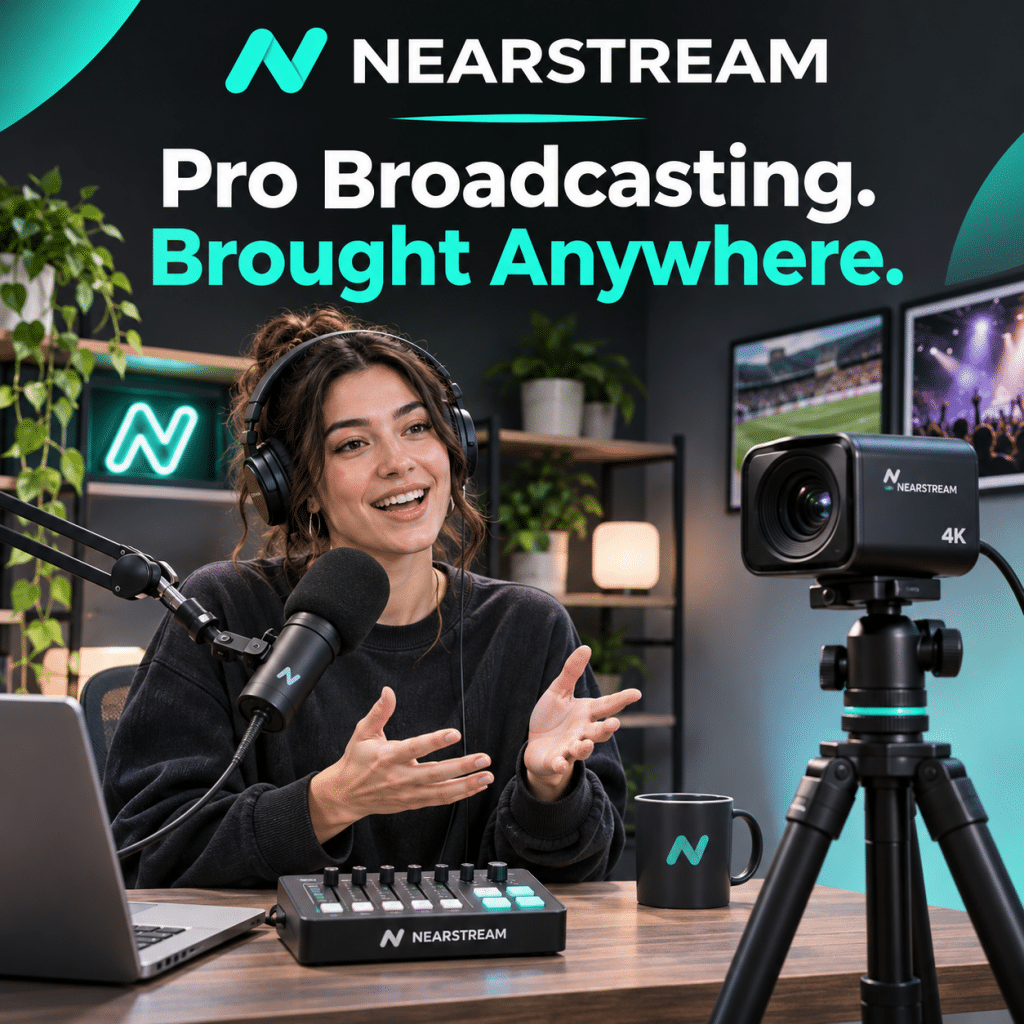
Live video production often involves more than choosing a camera: operators also need to think about microphones, connections, monitoring and how to manage multiple sources. NearStream Nearstream presents its product range as a modular answer to that broader challenge, with cameras, audio equipment, accessories and production tools intended to work across settings such as podcasts, churches, classrooms and live events.
Rather than centering its catalogue on a single type of creator or venue, NearStream offers equipment for different levels and styles of production. The range includes wireless streaming cameras, PTZ cameras, USB and XLR microphones, wireless lavalier systems, audio mixers, capture cards, stands, lighting and an all-in-one live production switcher. The company’s central idea is that users can combine components to suit a particular room or workflow instead of relying only on a fixed, preassembled setup.
A system built around different production needs
NearStream describes its products as a modular video production ecosystem. In practical terms, that means its catalogue covers several parts of a production chain: capturing an image, recording or transmitting sound, positioning equipment and directing a live program. The company offers both individual devices and bundled kits, including configurations for churches, interviews, sports streaming, podcasts and education.
Those use cases call for different equipment choices. A podcast setup may need microphones and several camera angles; a classroom may prioritize lecture recording and the ability to frame a presenter or whiteboard; a sports stream may need cameras that can be positioned around a field and controlled at a distance. NearStream’s site groups products and kits around these types of scenarios, while also describing custom configuration assistance for organizations that want help matching equipment to a space or workflow.
The modular approach is also reflected in the mix of connections and camera formats in the catalogue. Some cameras are presented as wireless and portable, while other equipment is designed for wired connections, including Ethernet and PoE. The site also describes setups that combine cameras, microphones and a computer, as well as multi-camera systems controlled through an app or a production console. These options give prospective users different routes into production, though the right arrangement depends on the devices, connections and requirements of a particular project.
Camera choices, from mobile coverage to optical zoom
NearStream’s camera range includes the VM33 wireless camera, the VM20 Pro, a standard VM20 4K camera and a PTZ camera. The company presents these as options for different situations rather than interchangeable devices. Its descriptions position the VM33 for portable event coverage, the VM20 Pro for studio or venue production, and the PTZ camera for remotely adjusted views in spaces such as churches and event halls.
NearStream describes the VM33 as a wireless camera with a built-in battery, app-based control and a portable design. Its product material emphasizes use at outdoor events and sports settings where a wired power connection may be inconvenient. The specifications shown on the site for a VM33 configuration include Wi-Fi, hotspot and USB-C webcam connectivity, a 6,400mAh battery, autofocus and 1080p streaming at 30 frames per second. The same specifications list recording at 1440p and an external 3.5mm audio jack. These details help explain the camera’s place in the range: it is described as a mobile capture option, with recording and streaming capabilities that are not identical.
The VM20 Pro is presented as a camera for more involved production, including podcasts, larger venues and live events. NearStream lists a 4K, 50-megapixel sensor and 10x optical zoom, with USB-C, HDMI and RJ45 connections; the company also highlights PoE support and local SD-card recording. Its page describes the device as usable through different connection types, including USB, HDMI and Ethernet. Those connection choices are relevant for organizations deciding whether a camera should feed a computer, a networked setup or a display and production system.
NearStream’s PTZ camera is aimed at coverage where changing the camera’s direction remotely is useful. The site lists a 20x optical zoom, a separate panoramic view with a 110-degree horizontal field of view, and support for auto-framing and zone following. It also describes pan, tilt and zoom control, along with custom presets. These features are presented as ways to manage framing without placing an operator beside the camera; they do not remove the need to plan camera placement and choose suitable views for the room.
Audio and accessories are part of the picture
NearStream’s catalogue extends well beyond cameras. Its microphones include USB and XLR condenser options, dynamic broadcast microphones, wireless lavalier systems and kits with multiple transmitters. The site also lists mixers, microphone arms and stands, camera tripods, lighting and capture cards. That breadth matters because the surrounding equipment can shape how a production is assembled: a user may need a desk microphone for a solo recording, a wireless microphone for a presenter moving around, or a mixer when multiple audio sources must be managed together.
One example is the AWM28T wireless microphone system, which NearStream lists as a dual-channel kit with two transmitters, a receiver, a charging case and adapters. The company also offers USB and XLR microphones for podcast and studio use, as well as audio mixers with multiple ports. The site’s range allows a buyer to consider whether a recording setup should use a direct USB connection, a more configurable XLR arrangement or wireless microphones, based on the rest of the equipment and the intended production.
NearStream also lists technical characteristics for some camera microphones and audio functions. For example, the VM20 Pro specifications include an eight-unit MEMS microphone array, 360-degree spatial pickup, a 48kHz/16-bit sample rate and AI noise suppression. The site presents those as built-in capabilities; actual suitability will depend on the room, microphone placement and the surrounding sound conditions. External microphone support is listed as well, giving users another option when they want to connect a separate audio device.
When several sources need one control point
For productions involving multiple cameras and other media, NearStream offers its Producer live production switcher. This is a specific product within the broader range, not the whole of NearStream’s business. The company describes Producer as combining functions that might otherwise be handled by separate devices, including an HDMI switcher, PoE switch, PTZ controller and recorder.
According to the product page, Producer accepts up to nine video sources, with up to six available at once. The listed source types include HDMI, USB-C/UVC, PoE/NET, Wi-Fi and media sources. It provides preview and multiview monitoring, a nine-layer production layout and built-in 11-channel audio mixing, including individual source control and up to 500 milliseconds of audio-delay adjustment. A built-in five-way joystick is intended for direct control of compatible PTZ cameras, including pan, tilt and zoom functions.
The device is also described as supporting PoE connections over distances of up to 328 feet, or 100 metres, with video and power carried over one Ethernet cable to compatible cameras. For spaces where cameras need to be positioned away from the control desk, that arrangement can reduce the number of separate cables involved. Producer can stream directly to YouTube Live, Twitch Live, Facebook Live and X, and record the finished production in H.264/AVC MP4 with AAC stereo audio to a microSD card of up to 256GB, according to NearStream’s product information.
These capabilities make the product relevant to organizations considering a centralized workflow, but it is one part of a larger system. Whether it suits a particular production depends on the number and type of sources, the cameras being used and how the venue is wired. NearStream’s site also lists camera kits and other accessories that can be paired with production equipment, including multi-camera packages.
How NearStream frames its audiences
The company’s materials repeatedly address users who may not have a dedicated production crew. Its stated audiences include creators, podcasters, churches, educators, government organizations and live-event producers. The site emphasizes streamlined setup and operation, including plug-and-play connections, wireless control and products intended for one-person or volunteer-led workflows. These are the company’s positioning claims rather than a guarantee that every setup will be simple in every room.
For churches, NearStream highlights multi-camera coverage, PTZ control and audio mixing for services and events. For education, it describes recording lessons and capturing classroom or campus activities. Its government and legal materials refer to briefings, training and proceedings, while sports content focuses on portable camera placement and streaming. The different examples show why the catalogue includes both standalone devices and kits: a small interview setup and a venue-wide production require different combinations of equipment.
NearStream also presents its system as scalable. Users can start with a camera and microphone, then consider adding more cameras, a mixer or a production switcher when their needs grow. Its site describes app control of up to three VM33 cameras from one iPad and explains that the company’s stands use universal quarter-inch threads. Those details point to ways components can be arranged, although buyers should check the connections and compatibility of the particular devices in a proposed setup.
Choosing a configuration starts with the workflow
For anyone assessing NearStream, a useful first step is to map the production rather than begin with a shopping list. Consider how many camera angles are required, whether cameras need to move, where they can be placed, how presenters will be miked and whether the finished program must be streamed, recorded or both. The answers help distinguish a portable wireless camera arrangement from a wired installation using networked cameras and a central production device.
Next, it is worth checking the connection path from each device to the rest of the system. NearStream’s products span USB-C, HDMI, Ethernet, Wi-Fi and wireless microphone connections, and the company’s technical pages specify different outputs and recording capabilities for different models. A setup’s components need to fit together for its intended purpose; features listed for one camera should not be assumed to apply to another.
NearStream’s overall offering is therefore best understood as a collection of related tools for video and audio production, supported by scenario-based kits and software. Its distinguishing emphasis is on bringing capture, sound and control options into one product family, with configurations ranging from individual creator equipment to multi-camera production. The breadth may be useful to people assembling a new workflow or extending an existing one, provided they match the specific products and connections to the demands of their venue and content.
Get all details about Nearstream
Sponsored by Gabal Global Group, with publishing tools from CheapPlugins.