


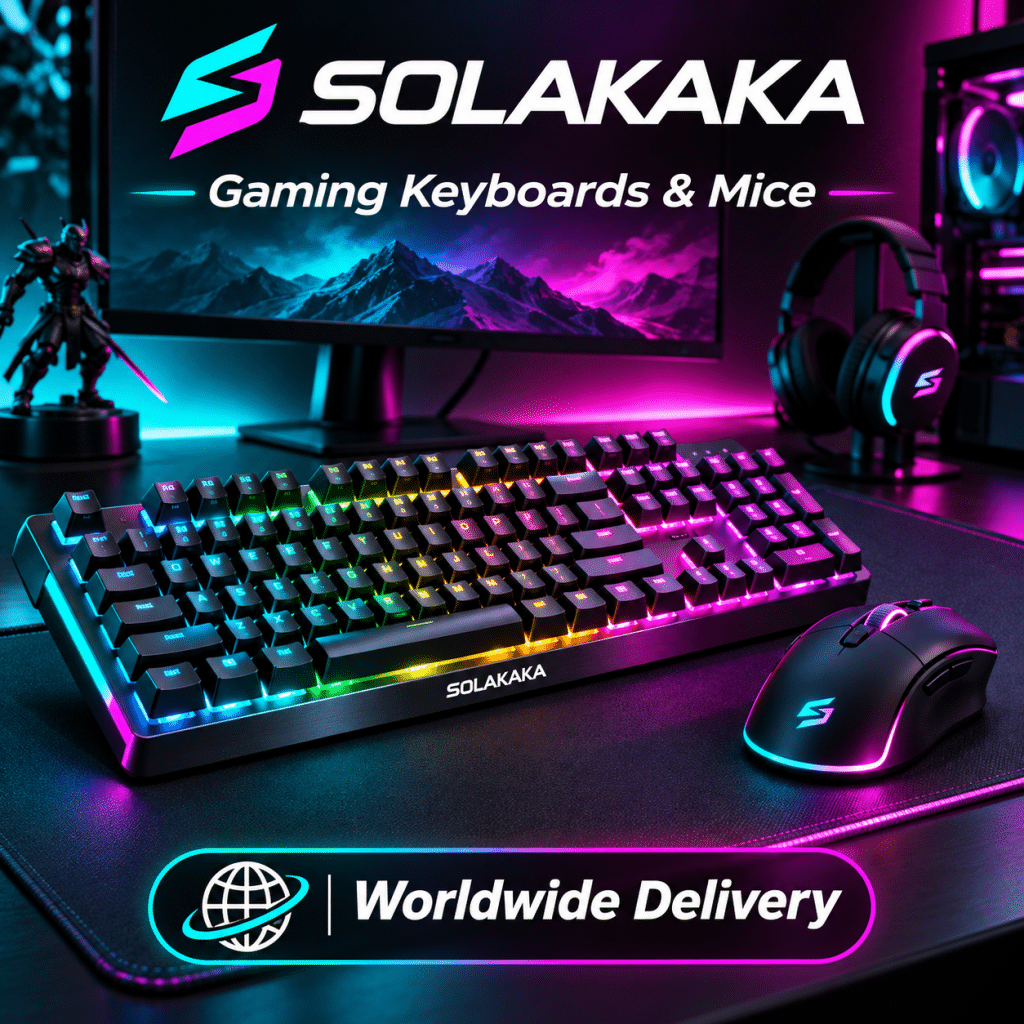
Solakaka’s catalog is built around two familiar parts of a computer setup: keyboards and mice. Rather than centering its storefront on a single flagship item, the company presents a spread of models with different formats and feature sets, from compact keyboards to a vertical MMO mouse. That makes the range useful to consider as a collection of choices for shaping a desk setup, not simply as a succession of product names. The Solakaka storefront groups its gear by best sellers, individual products and keyboard-and-mouse bundles.
A catalog organized around different setups
The company’s homepage frames its products as gaming gear and accessories, while its displayed lineup includes equipment that can also serve productivity tasks. That combination is particularly clear in the E9 Pro, which Solakaka describes as a vertical MMO gaming mouse and an ergonomic wireless office mouse. The product page lists compatibility with personal computers, smartphones and tablets, and operating systems including Windows, Mac and Linux. Across the catalog, the common thread is not one specific layout or connection method, but a focus on computer input devices with a variety of forms and functions.
For keyboards, the range includes the A99 Pro Mechanical Keyboard, the A75 Pro 75% Wireless Mechanical Gaming Keyboard, the A75 Wireless Mechanical Keyboard, and two versions of the KI99 Pro Wireless Mechanical Keyboard. The site distinguishes the KI99 Pro versions as silent-switch and non-silent models. It also features the AX68 SE, a 68-key magnetic keyboard. These names and categories offer a first way to navigate the assortment: by overall format, mechanical or magnetic design, and, in the KI99 Pro range, switch-noise description.
The mouse selection is similarly varied. The best-seller page displays the E9 and E9 Pro vertical MMO mice alongside the SM822 and SM600 wireless gaming mice and the SM809 Pro MMO gaming mouse. The available information is far more detailed for the E9 Pro than for the SM models, so the catalog’s breadth is easier to describe than to compare across every mouse. What the pages do establish is that Solakaka offers both vertical and more conventionally named gaming-mouse options, with some products also included in bundles.
Keyboard formats and feature differences
The A75 range illustrates how Solakaka presents keyboards with different configurations under related model names. The A75 page highlights a 75% layout, hot-swappable mechanical design, crystal keycaps and tri-mode connection. The A75 Pro is identified as a 75% wireless mechanical gaming keyboard. The source pages do not provide a full specification comparison between the two models, so those labels should not be taken as a complete list of their differences. They do, however, show that buyers can encounter both a standard A75 and a Pro version within the same broad keyboard family.
Another option is the A99 Pro, which the store identifies as a mechanical keyboard and displays in several color choices, including Coffee Brown, Mint Green, Gray-Black and Pink. The KI99 Pro is presented in two switch variants: one non-silent and one with silent switches. Color selections also appear on the product listings, with options varying by model. These details make the catalog more than a simple division between wired and wireless devices: its product pages also foreground layout, switch type and appearance as ways of distinguishing one keyboard from another.
The AX68 SE takes a different route. Solakaka labels it a magnetic 68-key keyboard and says it uses Hall effect magnetic technology. The homepage advertises polling of up to 8,000Hz and describes its response as around eight times faster than a typical mechanical keyboard. Those performance comparisons are the company’s own promotional claims, rather than independent measurements presented in the supplied material. Still, the model’s listing establishes that the range extends beyond the mechanical keyboards emphasized elsewhere in the storefront.
That variety matters when interpreting the company’s product selection. A compact 68-key keyboard, a 75% layout and a mechanical model such as the A99 Pro represent different approaches to the keyboard itself. The source pages do not give a detailed account of the physical dimensions or the typing characteristics of every board, so a reader should consult each model’s specifications for those particulars. At a catalog level, however, Solakaka signals that shoppers can begin with format and design category before narrowing a choice by model.
The E9 Pro as a detailed example of Solakaka’s approach
The E9 Pro product page provides the clearest example of how Solakaka combines form, controls and technical specifications in one item. Its defining feature is a 45-degree vertical shape, which the company says positions the hand in a handshake-like posture. The page describes the design as intended to reduce wrist pressure during extended use. That is the manufacturer’s stated purpose; the source does not establish a medical outcome or guarantee relief for any particular user.
The mouse is aimed at people who want a high number of accessible controls in addition to the vertical form. Solakaka lists 10 programmable side buttons and 16 buttons overall, and describes the side controls as suitable for MMO commands and other customized workflows. Its page says buttons can be remapped through a browser-based configuration tool. It also notes an important platform distinction: basic functions work on Mac, but the initial button customization requires Windows software. Once configured, the settings are stored on the mouse, according to the product information, and can be used on other supported systems.
Connection options are another prominent part of the E9 Pro specification. The mouse supports 2.4GHz wireless, Bluetooth 5.0 and USB-C wired use. Solakaka positions 2.4GHz as an option for gaming, Bluetooth as a way to connect for multi-device productivity, and wired mode as an alternative. The product page further cautions that Bluetooth does not support advanced configuration in the same way as 2.4GHz or wired mode. This makes the connection modes more than a simple convenience feature: the available configuration functions depend on which mode is being used.
On the technical side, the E9 Pro listing names a PAW3395 optical sensor, six onboard DPI presets, and software-adjustable sensitivity up to 36,000 DPI. It specifies an 8,000Hz polling rate over 2.4GHz or wired connection, a maximum tracking speed of 650 IPS and acceleration of 50G. These are manufacturer-published specifications, and the page contrasts the Pro’s sensor and polling rate with the standard E9 model. It lists the standard E9 with a PAW3311 sensor and 1,000Hz polling rate, giving readers a direct comparison between the two versions.
Power and lighting also appear in the E9 Pro’s feature description. Solakaka lists a 1,000mAh battery and claims runtime of up to 270 hours on one charge. The page says the mouse can be used over USB-C while charging. It also describes configurable RGB lighting on the side buttons and logo, with colors that can be assigned to DPI levels, profiles or applications through the browser-based interface. The listed contents of the box are the mouse, user manual, connection cable and USB receiver.
The product page supplies operational details as well as feature claims. It recommends charging from a computer where possible, specifies 5V charging and says maximum power should not exceed 2.5W. It also offers troubleshooting guidance for configuration issues, including switching to wired or 2.4GHz mode and allowing browser access to the relevant device. The E9 Pro page lists a two-year quality guarantee and ongoing software updates. Taken together, these points give a more complete picture of the product than a headline specification alone: there are multiple connection modes, but some advanced settings require the appropriate mode and setup.
Bundles and browsing the range
Solakaka also presents paired keyboard-and-mouse bundles. Examples on the homepage include combinations of the A75 Pro and SM822, the A75 and SM822, the KI99 Pro and SM600, and the A99 Pro and SM822. This arrangement reflects a practical aspect of the catalog: shoppers can consider a keyboard and mouse together rather than selecting each item independently. The bundle listings identify the included models, while the displayed discounts and prices are promotional storefront information and may change over time.
The best-seller page supplies another point of entry, displaying the A99 Pro, A75 Pro, E9, KI99 Pro variants, SM822, A75, SM600, E9 Pro and AX68 SE. Its review counts are product-page indicators, not a substitute for specifications, and this article does not treat them as evidence of performance. For comparing devices, the more useful approach is to follow the details each listing makes available: keyboard format and switch description, mouse shape and button count, connection methods, and compatibility or configuration requirements.
Solakaka’s pages also display a free-shipping message and a stated shipping time of one to five business days. These are details shown on the storefront, rather than a basis for broader conclusions about delivery in every circumstance. Likewise, sale labels and price reductions shown on the pages are tied to the promotional presentation at the time represented by the supplied source material.
Overall, Solakaka is best understood through the range of input devices it brings together. Its assortment spans several mechanical keyboards, a Hall effect magnetic keyboard, wireless gaming mice and a feature-rich vertical MMO mouse, along with model-specific bundles. The E9 Pro is the most fully documented example, but it sits within a wider catalog that differentiates products through layout, shape, switch type, connection and customization. For someone exploring the brand, those distinctions provide a concrete way to move from a general interest in gaming gear toward the particular kind of keyboard or mouse the setup calls for.
Get all details about Solakaka
Sponsored by Gabal Global Group, with publishing tools from CheapPlugins.