


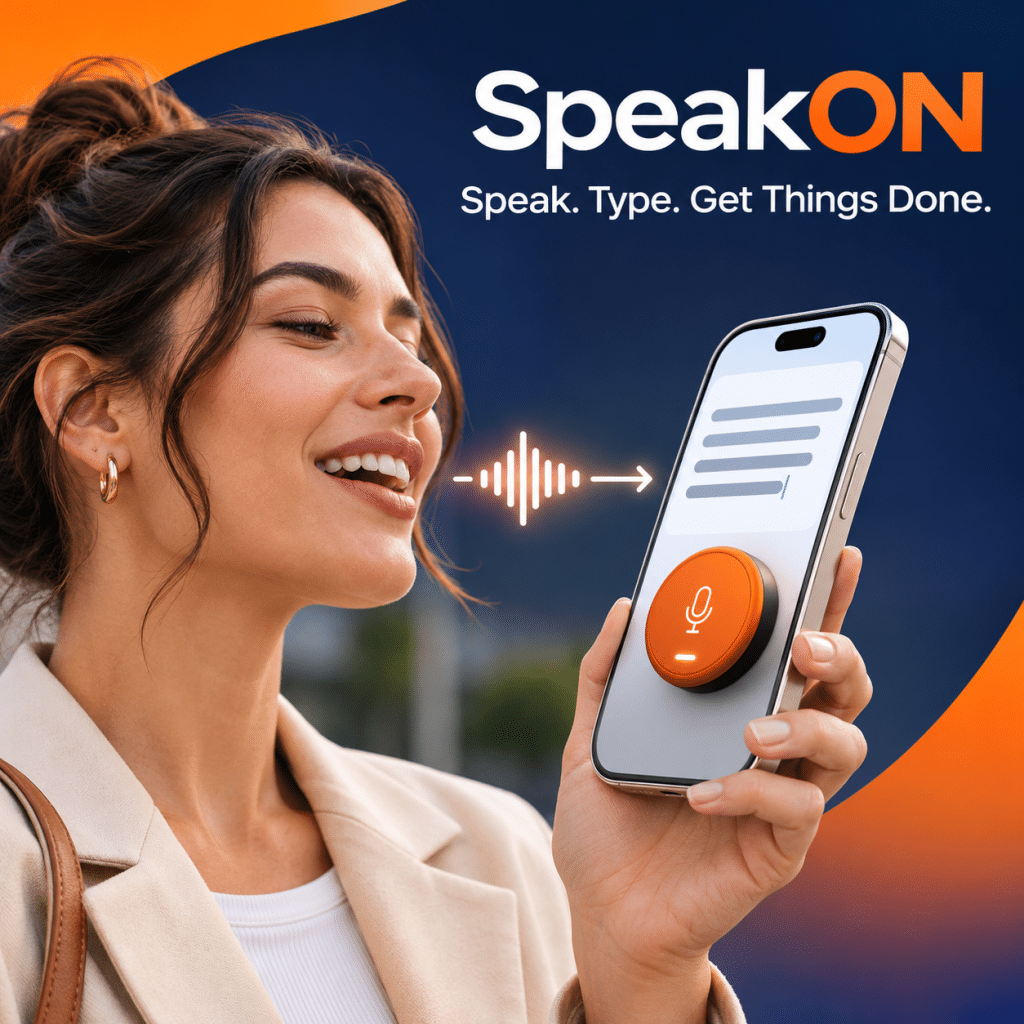
SpeakON is a MagSafe iPhone accessory paired with an AI voice app, designed to make speaking a starting point for writing and everyday tasks. Instead of opening a separate dictation tool, the user presses the device’s button and speaks; the company says the system can put cleaned-up text into the app already in use. Its central idea is to join a physical shortcut with AI-supported writing and task handling. Speakon
That combination makes SpeakON more than a voice-to-text feature in its product description. It is presented as a way to capture a passing idea, shape a message, keep a note, or prepare actions such as a meeting and reminder. The company positions the product for people who communicate frequently from an iPhone, including founders, executives, investors, consultants and sales leaders. The useful question is therefore not simply whether it transcribes speech, but how it connects capture, editing and follow-through.
A physical shortcut for capturing speech
The accessory’s button is the clearest part of the experience described on SpeakON’s site. Pressing it is intended to start voice capture quickly, without first navigating into an app. The product page says the device can be used while the iPhone is locked, and that it records on the device when offline before syncing after a connection returns. The company also lists activation in 0.1 seconds, more than 10 hours of continuous use and up to two weeks of standby. These are specifications stated by the seller, rather than independently verified performance findings.
The dedicated microphone is another element of the hardware approach. SpeakON says the accessory has its own microphone, leaving the iPhone’s microphone available for other uses. Its About page describes the attachment as magnetic and presents hardware as a deliberate choice: the company argues that a physical control can reduce the steps between having a thought and recording it. That rationale shapes the product’s design more than any single AI feature does. The button is meant to make speaking an immediate action, rather than another task that requires finding the right screen.
There is a practical distinction between recording offline and completing every AI-assisted task offline. The site says users can save thoughts without a connection and have them sync later; it does not say that all processing or connected-app actions happen without internet access. For a reader assessing the product, the supported takeaway is narrower: offline capture is offered, while later syncing is part of the described workflow.
From raw speech to usable writing
SpeakON’s writing functions aim to take spoken language beyond a literal transcript. The company says it can remove filler words and backtracks, organize spoken material into formatted lists, and adjust the tone for the app in which the user is writing. The product page illustrates the difference with a rough message that is turned into a more direct version, as well as alternatives with different levels of formality. These examples communicate the intended process: speak the underlying thought naturally, then review text that is more ready to use.
The site also describes a personal dictionary for names and specialized terms. Users can add words, including examples such as medical abbreviations and legal or business vocabulary, so the system can recognize spellings that may not be common in everyday speech. SpeakON says it can retain a user’s slang, jargon and preferred name spellings. This addresses a familiar limitation of speech recognition: a sentence may be mostly right while a person’s name or field-specific term is not. The dictionary is presented as a way to make those recurring details part of the tool’s context.
Style adjustment is framed as changing presentation without changing the speaker’s intended meaning. The examples on the site show one rough sentence rendered in different tones, from direct to more formal. Another set takes a spoken update and turns it into an email, a shorter message, a longer version, bullet points or a Japanese translation. These are examples of the product’s voice-editing and formatting concept; they are not a guarantee that every request will produce a perfect final draft. The original spoken draft is described as remaining available while the output is reshaped, allowing the user to compare and refine.
The product is also designed to put text into the current writing context. SpeakON says it works wherever the user’s cursor is, so the stated aim is to avoid moving between a dictation app and the destination app merely to transfer text. Its site describes translation into 12 languages, with translated text delivered to the active app. The emphasis is on keeping the user’s workflow in place: a message can be spoken and shaped where it is being composed, rather than written elsewhere and copied over.
Notes that can be revisited
Not every spoken thought is a message intended for immediate sending. SpeakON describes a voice-note workflow for ideas, conversation recaps and information a user wants to return to later. A user can speak a thought and save it as a note; the company says notes can then be edited by voice, expanded, reworded or reformatted. That makes the note feature relevant both to quick capture and to developing a rough idea into something more organized.
The distinction between capture and refinement matters. A voice note can serve as a temporary landing place for an unpolished thought, while voice editing offers a way to make it more useful without starting again at the keyboard. The product page gives examples of turning content into bullets or changing its length and format. The company also presents notes as context that can inform later actions, such as preparing a meeting. In that model, stored information is not only an archive; it can become material for a subsequent request.
SpeakON’s approach may suit people who want to record thoughts while moving, or who find typing on a phone interrupts the moment they are trying to preserve. The source material describes capture without unlocking the phone and use while on the move. It does not establish that every environment is suitable for speaking aloud, nor that voice will always be more convenient than typing. The product’s own framing is more specific: offer a fast way to capture and work with speech when speaking is the preferred input.
Agent actions, with a review step
The AI Agent feature extends the product from creating text to preparing actions across connected apps. SpeakON’s example starts with a spoken request based on a meeting note: arrange a product discussion, notify a Slack channel, email a colleague and create a reminder. The interface identifies multiple tasks, looks for relevant context such as calendar availability, and prepares the meeting details, message and reminder for review. The example then shows those actions completed after approval.
That approval stage is an important part of how the company describes the Agent. Prepared messages remain unsent until the user approves them, and the example says only approved actions are completed. In practice, the design described is not simply “say it and the system does everything.” It is a sequence: express a request in natural language, let the Agent assemble the relevant steps and drafts, inspect what it has prepared, and approve the actions to carry them out. The user remains involved at the point where an external message or other task is committed.
The product page names scheduling meetings, sending messages and setting reminders as examples of actions. It also shows the Agent drawing on information from a note and checking calendar context. The source describes connected apps, but does not provide a complete list of integrations or explain every permission and setup requirement on these pages. Accordingly, the broader promise is best understood as an intended workflow rather than an assurance that any action can be completed in every app without configuration.
For people whose work involves coordinating several small follow-ups, the appeal of this feature is the possibility of expressing related tasks together rather than handling them one at a time. In the company’s scenario, a single request leads to a calendar event, a channel announcement, an email invitation and a reminder. The review-and-approval design also makes the user’s role visible: SpeakON can prepare the work, while the person decides what should actually be sent or scheduled.
Privacy, power and the product’s intended audience
SpeakON’s product page says data is encrypted, is not sold, and is not used to train AI models; it also says users control cloud syncing. The page describes the service as SOC 2 Type II and HIPAA compliant. These are claims made by the company, and the supplied pages do not provide further detail about the scope of those statements, data retention, or the specific technical controls involved. Anyone for whom those matters are decisive would need to consult the company’s fuller privacy and compliance information.
The intended audience is unusually explicit in the company’s About page. SpeakON says it is built for founders, venture capitalists and investors, consultants, executives, sales leaders, creative directors, operators and other board-level professionals. The company’s rationale is that written communication can carry professional consequences: a Slack response may influence a team, an email may advance a deal, and a brief message can shape how someone is understood. This is the sponsor’s framing of the problem, not a claim that the product is necessary for every professional.
That focus also clarifies what the product is not trying to be. The company says SpeakON is not designed for people who are comfortable using a keyboard. Its argument is that some users have ideas ready before they can efficiently type them on a phone, and that voice-first capture may better fit their working habits. Whether that premise resonates depends on a person’s circumstances: how often they write on an iPhone, where they can comfortably speak, and whether they want AI assistance with tone, notes and task preparation.
SpeakON’s hardware-and-app structure brings those functions together around one interaction: press, speak, then work with the result. The accessory is intended to lower the barrier to recording; the app’s writing tools are meant to turn speech into clearer communication; notes preserve thoughts for later; and the Agent can prepare actions for user review. Rather than treating voice input as a substitute keyboard alone, the product presents speech as a route from an initial thought to a message, a structured note or a set of proposed next steps.
That is the most useful way to understand SpeakON from the company’s published material. Its distinguishing proposition is not just that an iPhone can recognize spoken words, but that a dedicated physical control is paired with tools for polishing, organizing and acting on them. The company describes offline capture, a personal vocabulary, tone and format changes, translation, voice editing and approval-based Agent actions as parts of that system. Together, they define a voice-centered workflow whose success depends on how well those pieces fit a user’s everyday habits and connected apps.
Sponsored by Gabal Global Group, with publishing tools from CheapPlugins.